

Adobe Indesign is a software for pages for printed and digital environments. It is used to create publications, books and other types of printing projects and layouts. The program is available for both Windows and macOS and is used all over the world by designers, publishers and professionals in the field of press.
If you are interested in graphic design, you have certainly heard of Adobe Indesign. This is a specialized editorial design program and is used to create publications, books and other types of printing projects and layouts. Indesign is part of the Creative Cloud, the suite of Adobe applications that includes Photoshop, Illustrator and other useful design tools.
Adobe Indesign was launched for the first time in 1999 and was specially developed to be used in the design of printed pages. Since then, the program has evolved and adapted to new technologies and trends in graphic design. Today, Indesign can be used to create design and design projects for digital publications, such as online magazines or electronic books.
What is CC’s Indesign?
Indesign CC is part of the Creative Cloud, a collection of applications used for design, marketing and communication in printed, video and online format. It can be used on Mac or Windows computers. The «cc» letters indicate that the application is part of the creative cloud. The current version is Indesign 19.3, updated in March 2024.
Articulos que te pueden interesar How will IT security develop in the future?
The historian of the versions
As mentioned in the introduction, Adobe Indesign was launched for the first time in 1999 and was developed to replace the Pagemaker software. Since then, several versions of the program have been launched, including Adobe Indesign CC, Adobe Indesign 2022, Adobe Indesign 2023 and Adobe Indesign CS6. Each version brought new features and improvements in the program.
User interface
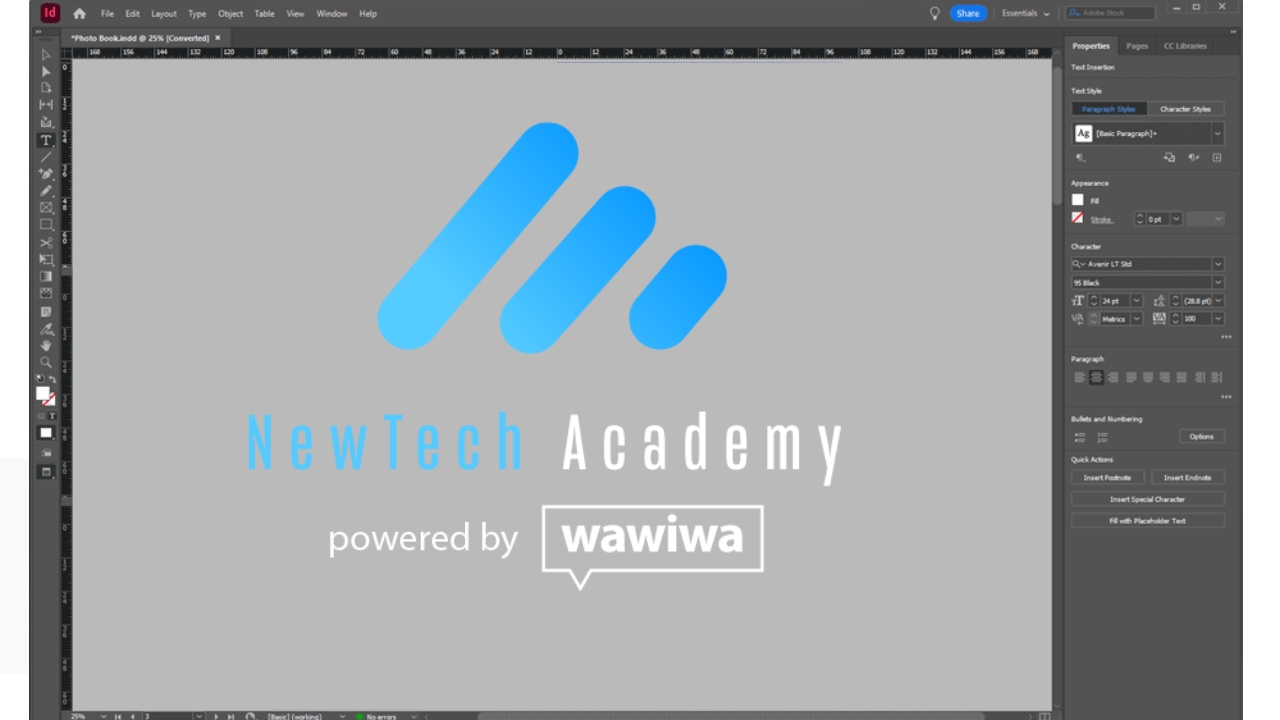
Adobe Indesign’s user interface is designed to be intuitive and easy to use. The program offers a variety of tools and functionality that allow users to create complex projects and easily change the documents. Adobe Indesign also offers a wide range of models, which can be customized according to users’ needs.
Compatibility with operating systems
Adobe Indesign is compatible with Windows and MacOS operating systems. The program works well on both operating systems and offers a similar use experience. However, it is important to check the system system requirements before installing it, to ensure that the system meets the necessary requirements to perform the program without problems.
Functionality and key uses
Here are some of the most essential components of the Adobe Indesign platform:
Articulos que te pueden interesar What is digital marketing?
Design design
- Wide range of tools for creating high quality documents.
- Add images, graphics, videos and other multimedia elements for web design.
- Create complex and customize drawings according to your needs.
- Use design tools to create page layouts, adjust the size and add empty edges and spaces.
Typography
- Flexibility in working with text and typography.
- Add text to the documents and customize according to your style.
- Use the printing tools to adjust the characters, size and text styles.
- Format the text using paragraph and characters.
Integration with other Adobe applications
- It can be integrated with other Adobe applications, such as Photoshop and Illustrator.
- It matters images and graphics from other Adobe and Users Applications in documents.
- Export documents in other formats, such as the PDF, to share them with other people.
How much does the price of an Adobe Indesign subscription costs?
Indesign is available at affordable prices, with individual season tickets starting at around 110 Ron ($ 22.90) per month. This Indesign plan also includes access to Adobe Express Premium, offering further tools to improve your creative work flow.
Indesign CS VS Indesign CC
Indesign and Indesign CC look like similar programs, but there is an important difference. Indesign CS represents the application of original desktop publication launched in 1999. Sometimes this term can include previous versions with perpetual license, which no longer benefit from Adobe updates. This means that new features and corrections of recent errors can be missing.
On the other hand, Indesign CC is the modern version. It is part of Adobe’s creative cloud (CC), which requires a monthly subscription. The real advantage of Indesign CC consists of constant updates with new features and improvements. In addition, it offers potential access to other adobe resources for a fee, such as share images and characters. In short, Indesign CC is the current version, based on the subscription, ideal for professional use.
Indesign Mac vs. Windows
For professionals in the field of graphics and marketing, the choice of the right platform for Layout software is an important decision. As for Indesign, the good news is that the application works effectively on both Mac and Windows systems.
The factors that influence the performance of Indesign are the hardware configuration of the computer, such as the processor speed and the monitor size. Whether you use a Mac or Windows with similar specifications, Indesign will work so fast and stable.
For ordinary users, the differences between Mac and Windows versions are minor. Quick keys may vary easily (for example, CTRL+P for printing on Windows and Command+P on Mac). Advanced users who use scripting for repetitive automation will notice larger differences: Applescript is used on Mac, VBCRipt is used on Windows.
How to learn how to use Adobe Indesign?
If you are interested in learning to use Adobe Indesign or improve your graphic design skills, you can try to follow a graphic design course. One of these examples would be a graphic designer course: Newtech Academy, which gives you a complete introduction to the world of graphic design. Teachers will help you guide the advice to use Adobe Indesign effectively and many other software used by designers. At the same time, our qualified instructors will guide you through essential concepts, such as color theory, modeling and prototyping of web pages and composition and typography, thus grinding your aesthetic sense and the ability to create layouts.
If you prefer to learn yourself, you can find many online tutorials that can help you start working with Adobe Indesign. There are video tutorials showing how to use different functions of the program, as well as writings tutorials that give you instructions step by step. An example of a useful resource are Adobe InDesign’s tutorials, where you can find many free tutorials, organized by categories, to help you learn to use Adobe Indesign.
Our conclusion?
Adobe Indesign’s rule is a continuous learning and improvement journey. By combining structured courses with online tutorials, perseverance practice, active involvement in the design community and constant updating of knowledge, you will transform the Indesign into a powerful tool that will help you express your creativity and advance in your graphic designer career.
latest posts published

Personal Branding or cult of personality?

6 Key SEO Steps Before Launching a New Website

Communicating during the financial crisis

11 good resolutions to give a boost to your 2019

It all starts with an idea

6 marketing and creativity books to read this year!

Content Marketing: Do You Really Have to Offer All Your Content?

Entrepreneurs and content marketing: 16 quotes to encourage you

9 tips to increase your blog audience!
